Artifacts · Sep 2026
Lunar MPV
Making a product film with GPT 6 Astra.
I wanted to test what GPT 6 Astra could do with a marketing video. I used Damien Roux’s Lunar MPV model, adapting its materials and lighting with Astra and directing the camera and assembly animation. The result is the scroll sequence and 60-second film above.
Taste mattered in deciding what deserved attention and whether each shot made it clear. That meant giving the camera a subject, keeping the details readable, and rejecting movement that made no physical sense.
Digital model: Lunar MPV Vehicle by Damien Roux (Darats), using the LDraw Parts Library, licensed under CC BY 2.0. Independent fan project, not commissioned, sponsored or endorsed by the LEGO Group. LEGO is a trademark of the LEGO Group. Full credits.
Where taste mattered
Four decisions that changed the result.
-
Reject the first version
Astra’s first attempt was an isometric-looking website that moved on its own. It was unusable for what I wanted. There was a model on screen, but no deliberate choice about what to look at.
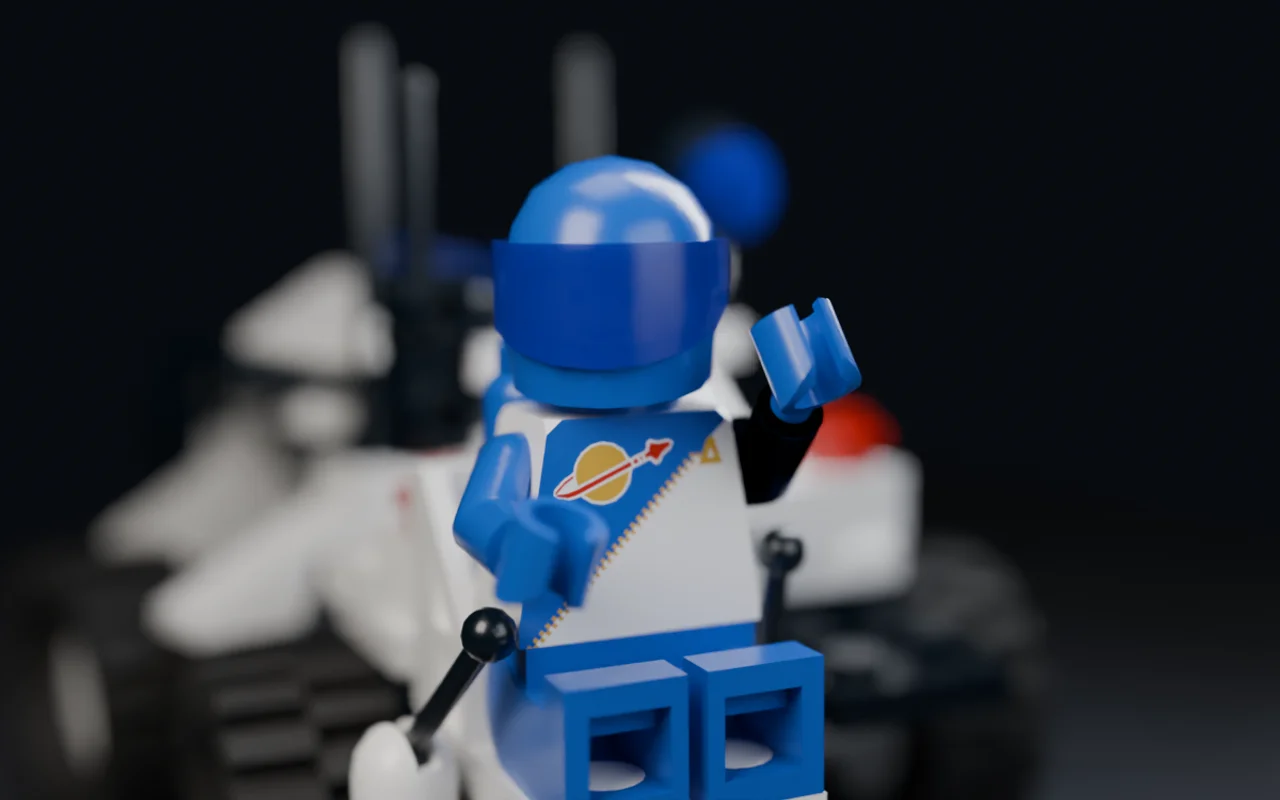
I removed the large headings and page navigation, and pushed toward close perspective shots. Scrolling would move the camera through those shots.
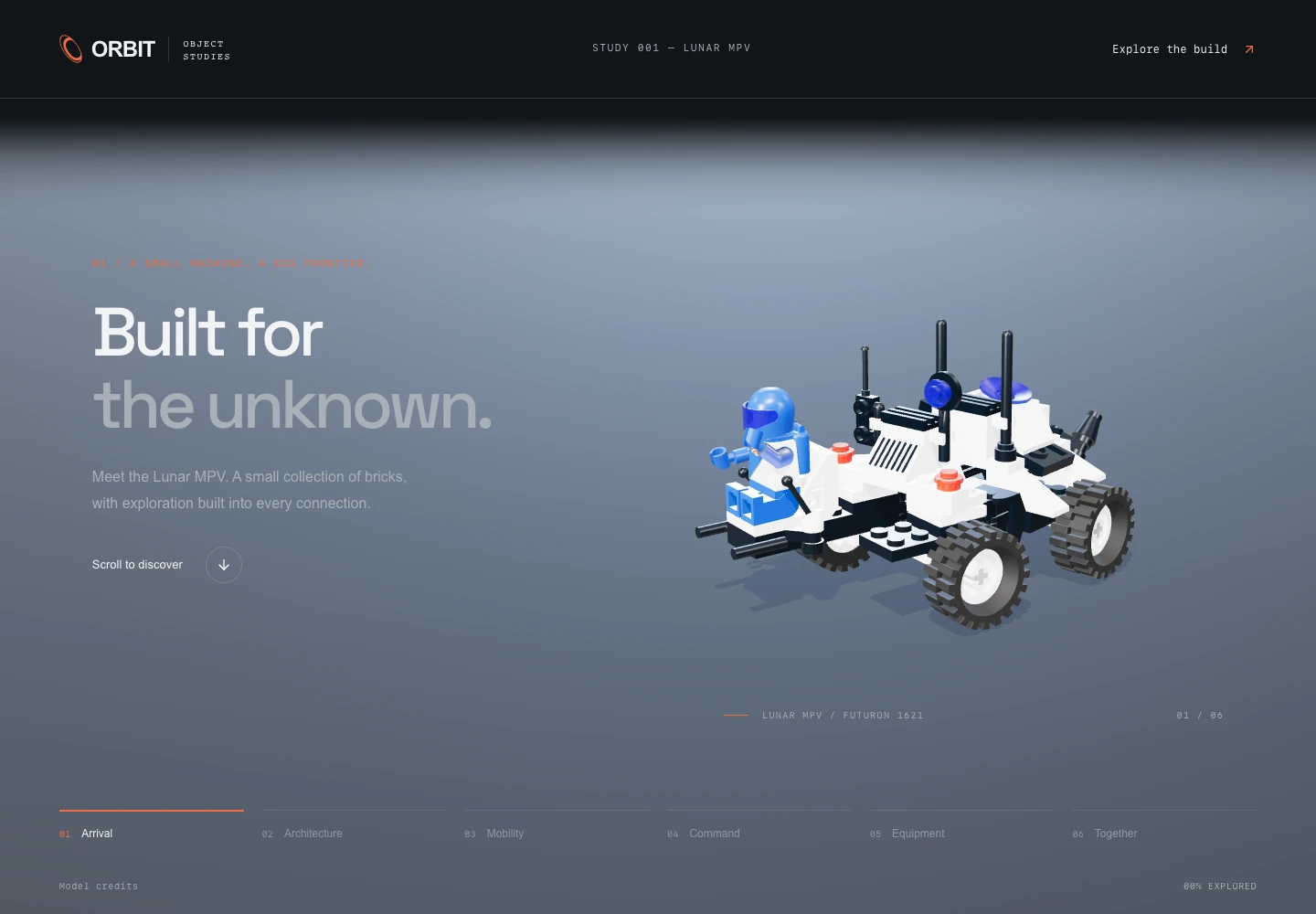
First website · Captured from the archived build 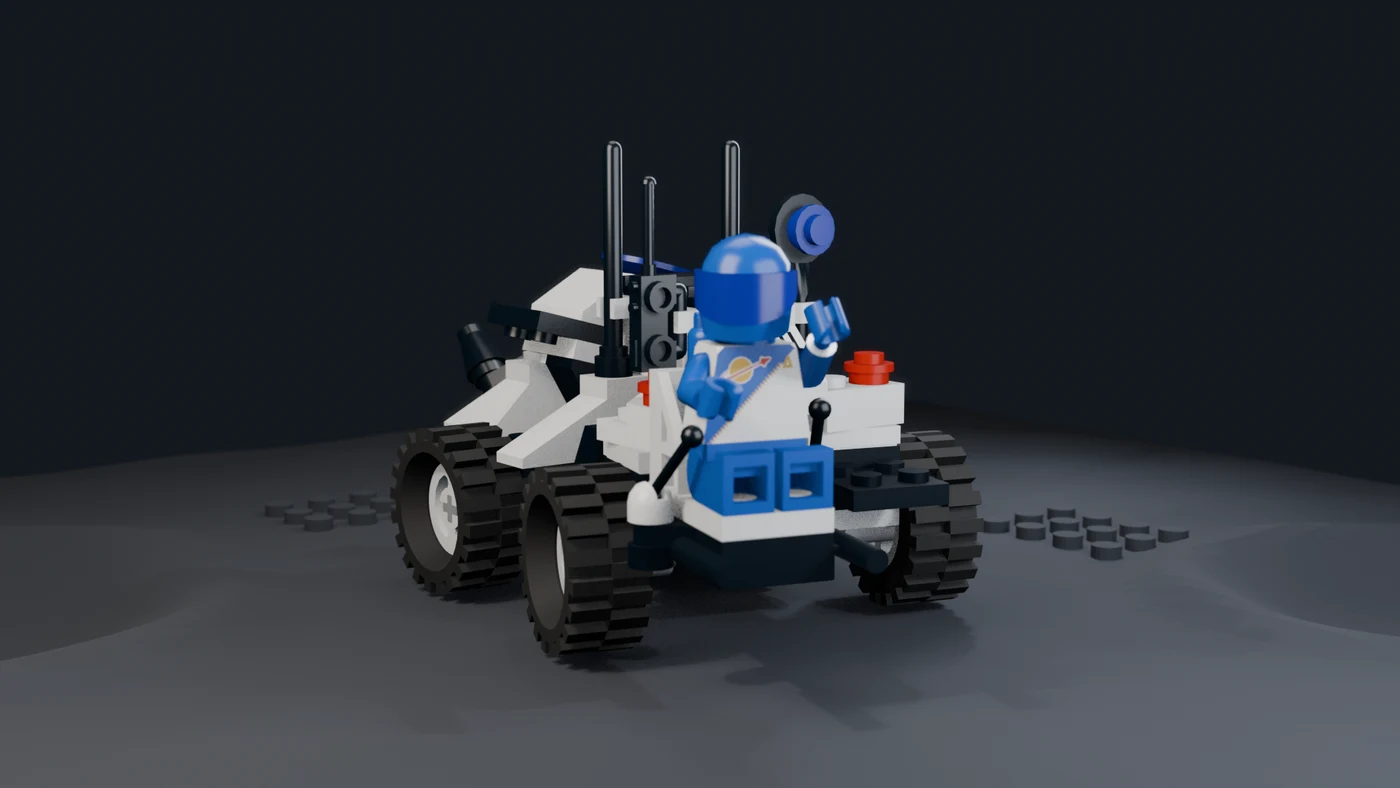
Final direction · Frame from the finished film -
Direct the shots with DialKit
I marked the details worth seeing, then used DialKit to refine 12 points along the camera path. I could adjust the camera, lens and focus, or change each light’s position, size and intensity myself. Small corrections no longer needed another prompt to the agent.
Path-traced previews in Blender’s Cycles renderer helped me judge the framing, light and depth of field alongside the live scene. I could compare the result and keep refining each shot.
I cut a repeated lap around the rover. One assembled orbit establishes the whole; the next shots move inside the separated parts to reveal something new.
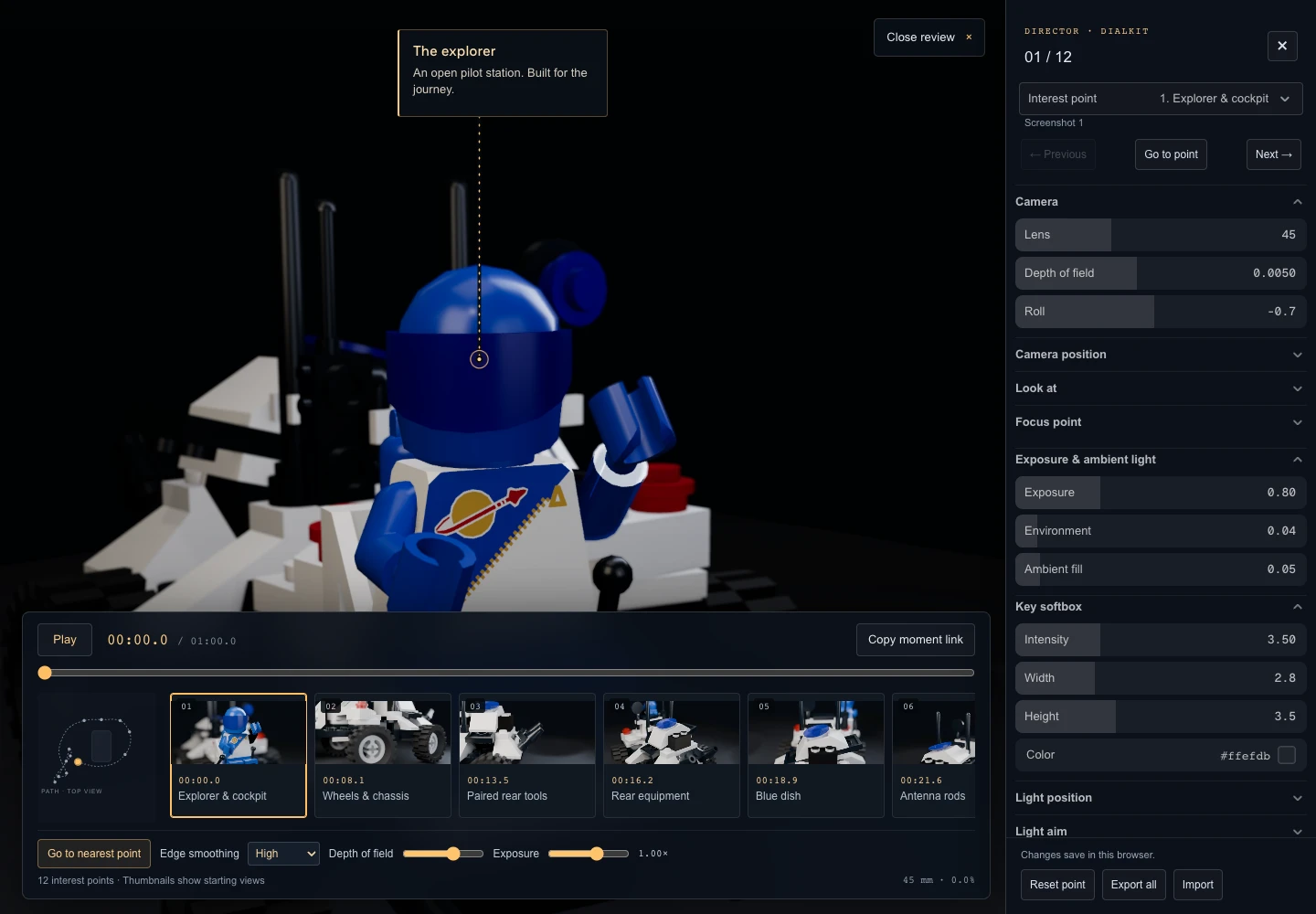
DialKit camera and lighting controls · Captured from the archived build 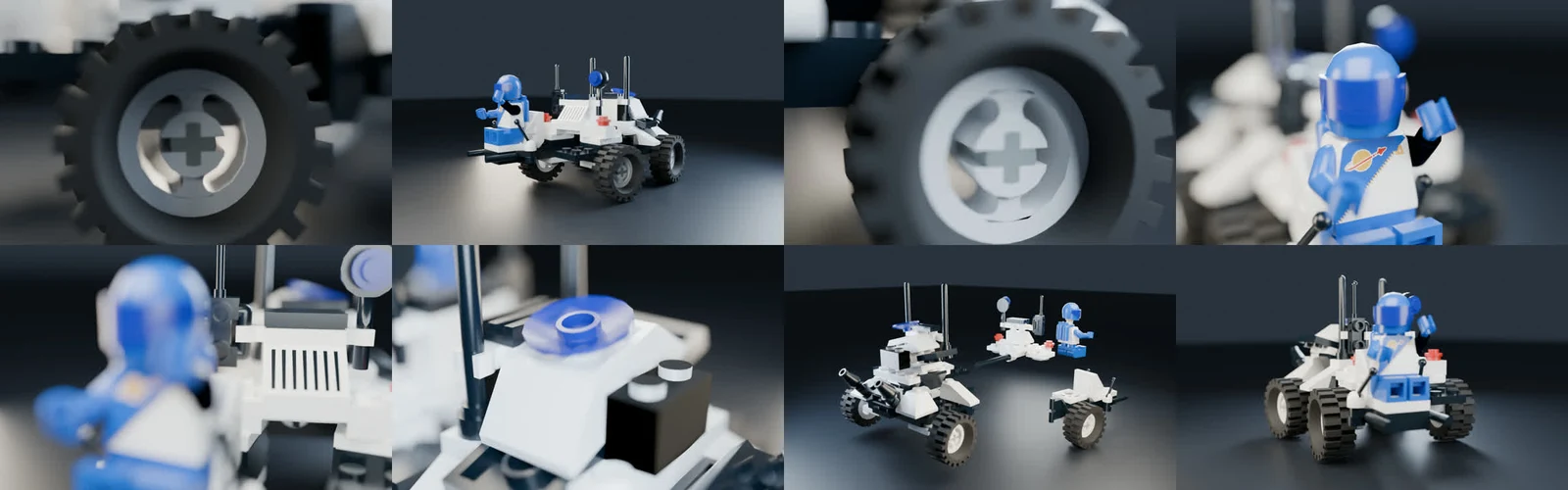
Path-traced camera and lighting previews · Saved Blender contact sheet -
Keep the parts readable
The dark reveal hid the separated parts, while the final shot washed out the white plastic. More brightness everywhere would not solve both. Broad studio lights made the open assembly readable; lower exposure protected the white surfaces.
A later blur experiment put halos around the model. It looked like bloom, so I rejected it and returned to the earlier lighting with a small brightness lift. Soft focus needed to direct attention without obscuring the object.
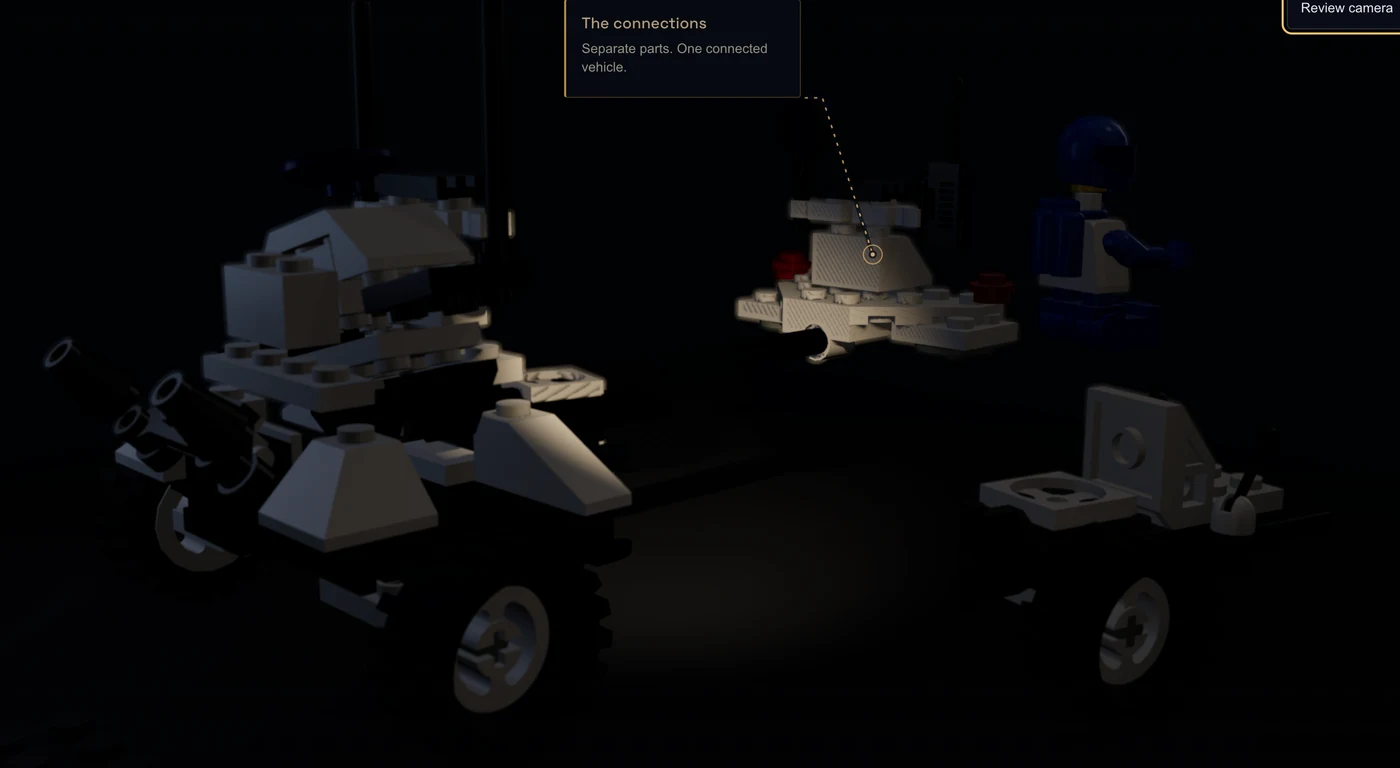
Parts lost in shadow · Earlier browser version 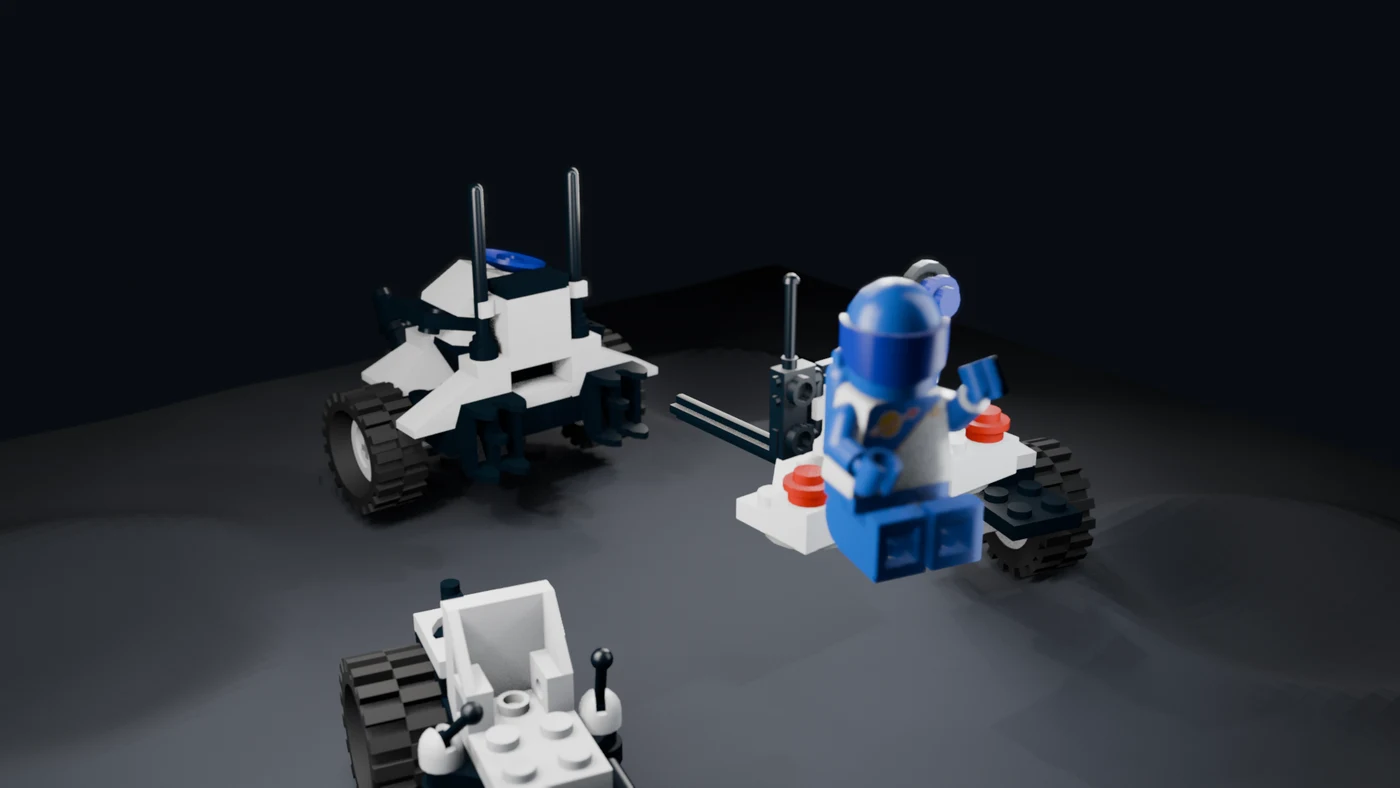
Refined lighting · Frame from the finished film -
Make the movement believable
During separation, the seat passed straight through the explorer. A smooth animation still felt wrong when the parts could not move that way.
I changed the order: lift the explorer clear, release the connected modules, then separate the wheel carriages. Reassembly reverses that path, with the explorer landing last. Clearance checks helped verify the correction. The movement now explains how the rover fits together.
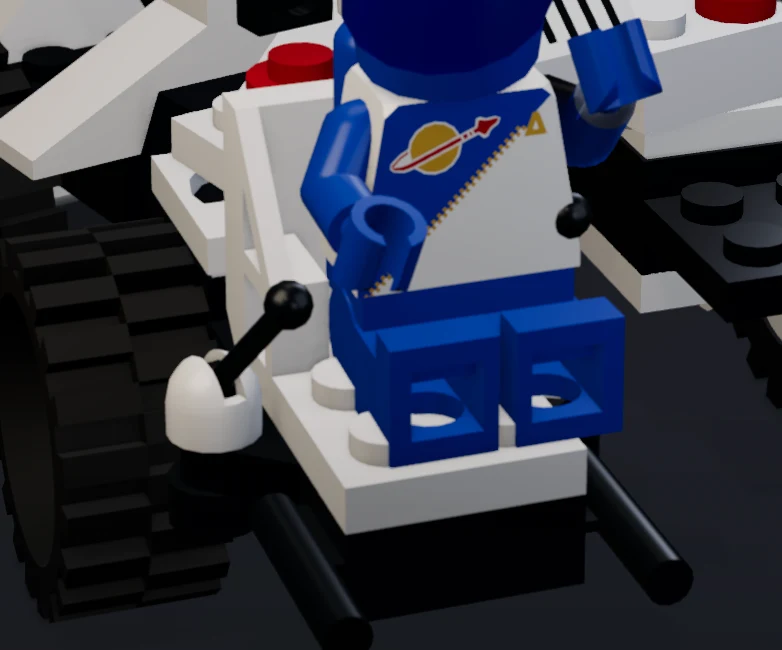
Seat passing through the explorer · Browser crop 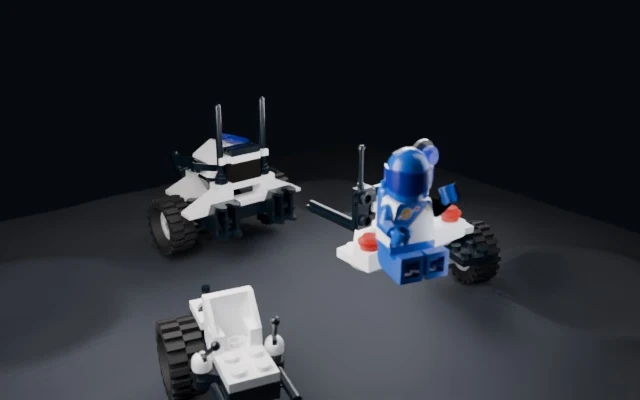
Revised assembly paths · Blender preview
- What
- Marketing video exploration
- Built with
- GPT 6 Astra · DialKit · Three.js · Blender
- Format
- Scroll story · 60-second film
- Model
- 95 parts · Damien Roux and LDraw contributors